Chrome Tab Suspender: What It Actually Does (and How TabNap Is Different)
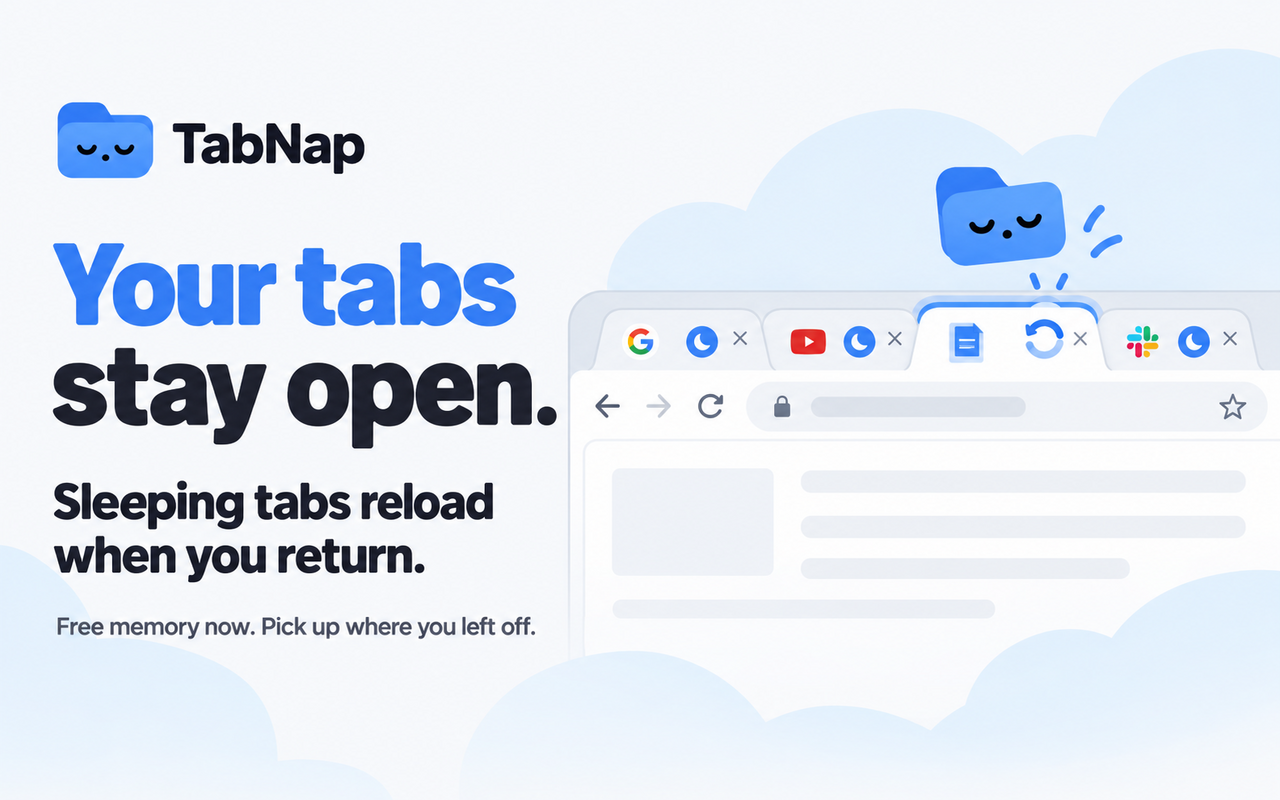
"Tab suspender" gets used loosely. Depending on the extension, it can mean anything from quietly freezing a tab in the background to fully unloading it the moment you look away. Those sound similar but behave very differently once you actually have 20 tabs open and need one of them back.
What "suspending" usually means
In Chrome, every tab is its own process with its own chunk of memory — the page's DOM, any JavaScript running on it, cached images, open WebSocket connections, all of it. When a tab is "suspended," that process is discarded. The memory is freed. What's left behind is just enough to redraw the tab bar: the title and the favicon.
Click back into a suspended tab and it reloads from scratch, like you'd just typed the URL in again. If you had a form half-filled or a long scroll position, that's usually gone — it depends on whether the page itself restores state on reload, which most don't.
Where suspenders differ in practice
- Timer-only tools suspend a tab purely because it's been inactive for N minutes, regardless of whether your computer needs the memory back or not. Fine on a machine with RAM to spare, less useful as the actual problem-solver on a tight one — it's suspending tabs you might not have needed to touch yet.
- The original Great Suspender worked this way too, and was popular for years before Google removed it from the Chrome Web Store in 2021 after a code change introduced tracking behavior in an update. The project's name lives on in several forks and alternatives, with mixed trust and maintenance since.
- Pressure-based tools (TabNap included) watch your computer's actual free-memory percentage and act when it's genuinely tight, not on a fixed clock. A tab you switched away from five minutes ago might sit untouched for hours if your RAM is fine — and get suspended fast if it isn't.
What to check before picking one
A few things are worth confirming about any suspender before you rely on it daily:
- Does it protect your pinned tabs, the tab you're actively looking at, and anything playing audio or video — by default, not just as an option you have to find and enable?
- Can you see what it's actually doing — which tabs are asleep right now, how much it's actually saved — or does it just run silently with no visibility?
- Is it still maintained? The Great Suspender's 2021 incident is the cautionary example here: an abandoned or sold extension with tab-level permissions is a real risk, not a theoretical one.
TabNap never closes a tab outright — sleeping and closing are different things, and it's worth checking any tool you consider actually draws that line. A sleeping tab stays in your tab strip with its title and icon intact and reloads the instant you click it; it's just not holding memory in the meantime.
See what's actually asleep, in real time
TabNap shows active vs. sleeping tab counts and a running total of RAM it's measured freeing — not an estimate.
Add to Chrome — It's Free